
The first eight say which phone
Every handset of the same model and storage shares these eight. It is how a number on its own can tell you the phone in front of you is an iPhone 15 Pro and not the iPhone 15 you were told you were buying.
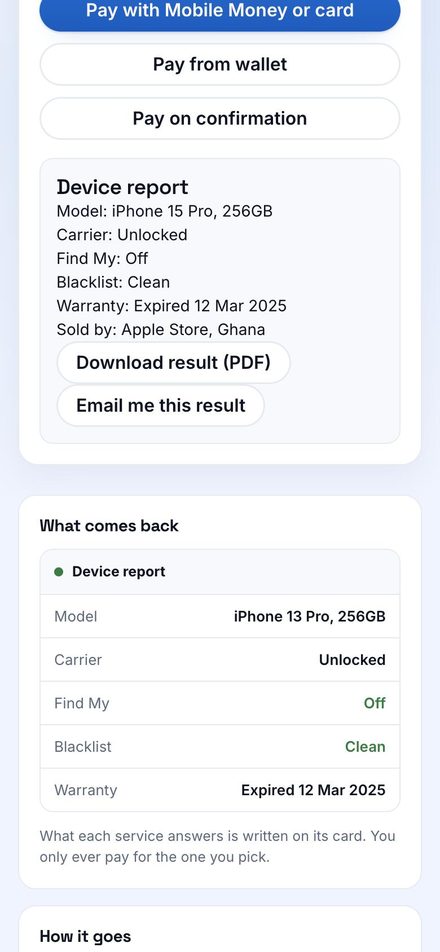
Carrier, iCloud lock, blacklist and warranty, read from the manufacturer's own records. Put in the IMEI and the answer comes back in minutes.
Not a serial number in the ordinary sense. Three parts, and each one is doing a different job.
Every handset of the same model and storage shares these eight. It is how a number on its own can tell you the phone in front of you is an iPhone 15 Pro and not the iPhone 15 you were told you were buying.
The serial, belonging to that one phone and no other. Networks and the stolen-phone registers key on the whole fifteen, but this is the part that makes it your phone rather than a model.
A check digit, worked out from the other fourteen. It exists so that a mistyped number fails straight away instead of quietly returning somebody else's phone. We run that sum here before you pay anything.
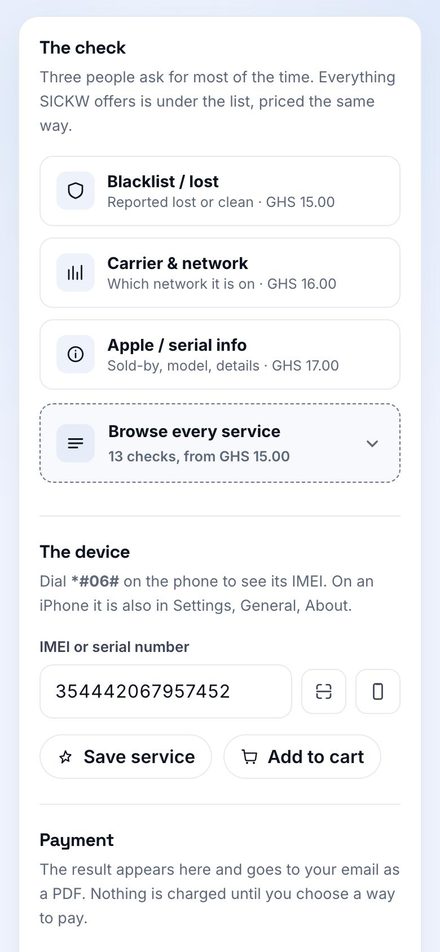
Dial *#06# to see yours. It works on any phone, locked or not, with no SIM and no signal. On a phone you are thinking of buying, it is a fair thing to ask the seller to do while you watch.
Over the air
Everything happens from the IMEI. The phone stays with you, nothing is installed on it, and the unlock is permanent.
Whichever network holds the phone
And it ends the same way every time
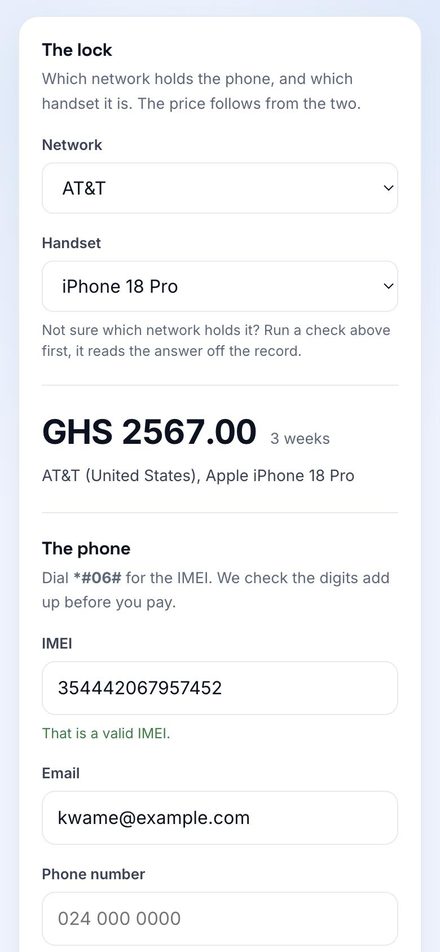
Dial *#06# for the IMEI, or find it in Settings, General, About. Pick the network it is locked to and we quote the price before you pay a cedi.
As soon as the payment lands, the request goes out against that IMEI. You can watch the order from your dashboard, and we email and text you the moment anything changes.
Put in a SIM from another network, or activate the eSIM, and connect to Wi-Fi or data. Where a code is needed instead, we send you the code and how to enter it.
Phone unlocks for these makers
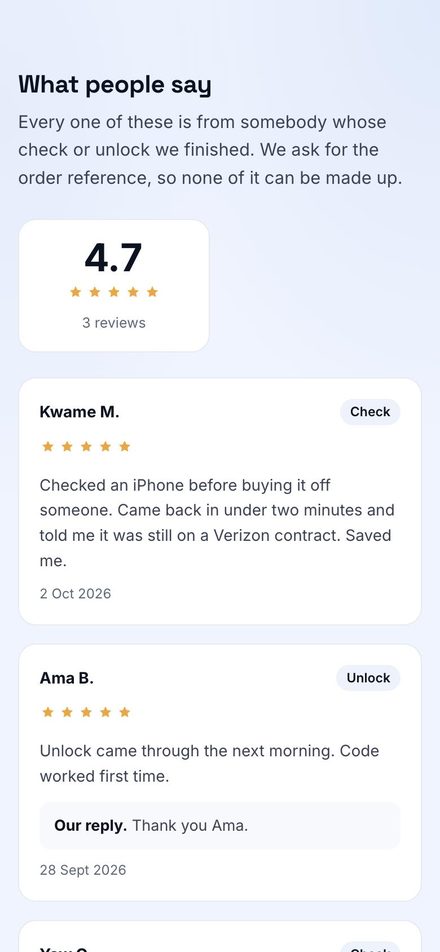
Every one of these is from somebody whose check or unlock we finished. We ask for the order reference, so none of it can be made up.
A blacklisted phone switches on, holds its charge and looks perfect, right up until you put your SIM in it. An iPhone still signed in to someone else's account is unusable by anybody but them. Neither shows in a photograph, and both take seconds to rule out.
An unlock is priced by the network that holds the phone, so knowing which one that actually is decides whether you order the right thing. And if the phone turns out to be open already, that is worth finding out before you pay anybody.
"SIM not supported", "no service" and a phone that simply will not register all look the same from the outside. The report separates a network lock, which can be lifted, from a blacklist entry, which cannot. Two very different problems.
What a check is not. It is not an unlock and it does not send you a code. It reads what the record says so you can decide what to do next. It also changes nothing it finds: a blacklist entry can only be lifted by whoever reported the phone, and no service can clear it, this one included. Knowing early is the whole value of it.
Kept on this device. Enter a reference to look one up.
Choose an option and we'll take it from there.